


Website loading speed can affect how quickly visitors can access and use your pages. You can check your website’s performance using online testing tools and then investigate the issues they identify.
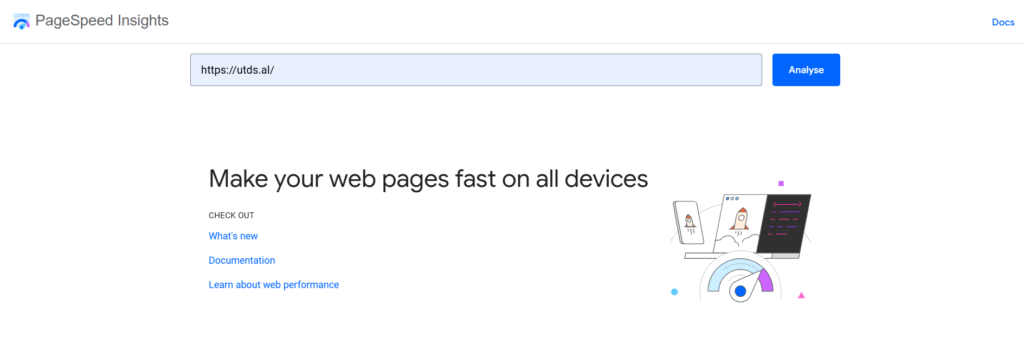
1. Use Google PageSpeed Insights
Open Google PageSpeed Insights and enter the URL of the webpage you want to test.
PageSpeed Insights provides separate results for mobile and desktop and reports performance-related metrics and recommendations.
Test important pages individually rather than assuming the homepage represents the entire website.
2. Check the Core Web Vitals
Pay attention to the Core Web Vitals, which measure important aspects of the user experience:
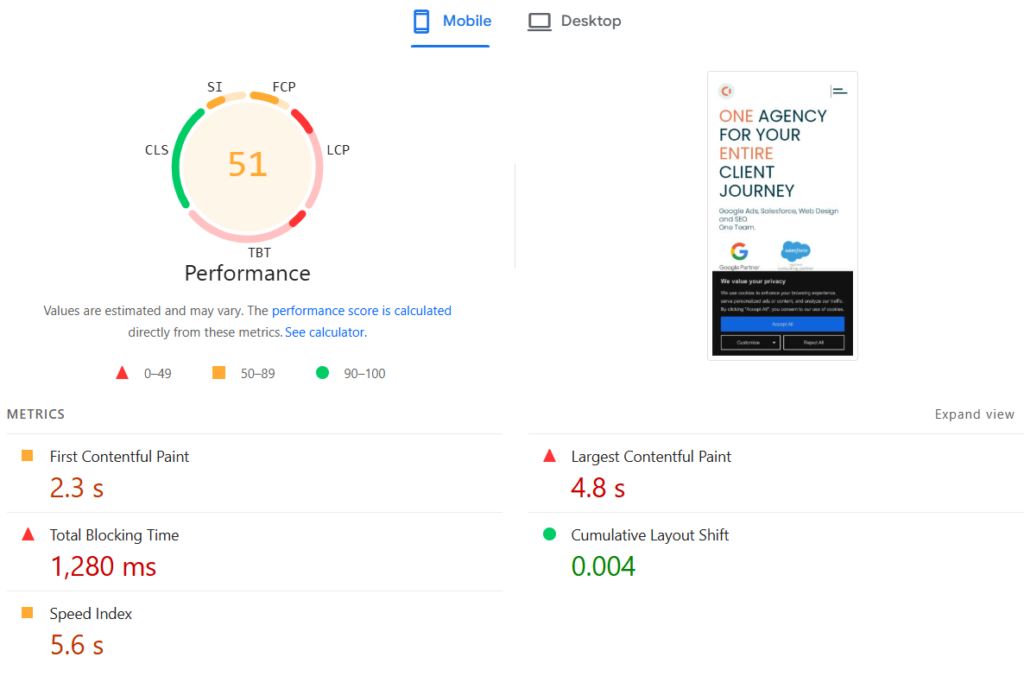
- LCP (Largest Contentful Paint): how quickly the main content becomes visible.
- INP (Interaction to Next Paint): how quickly the page responds to user interactions.
- CLS (Cumulative Layout Shift): how much the page layout moves unexpectedly.
These metrics should be considered alongside the rest of the performance report.
3. Look at the recommendations
Review the problems identified by the testing tool. Common areas include:
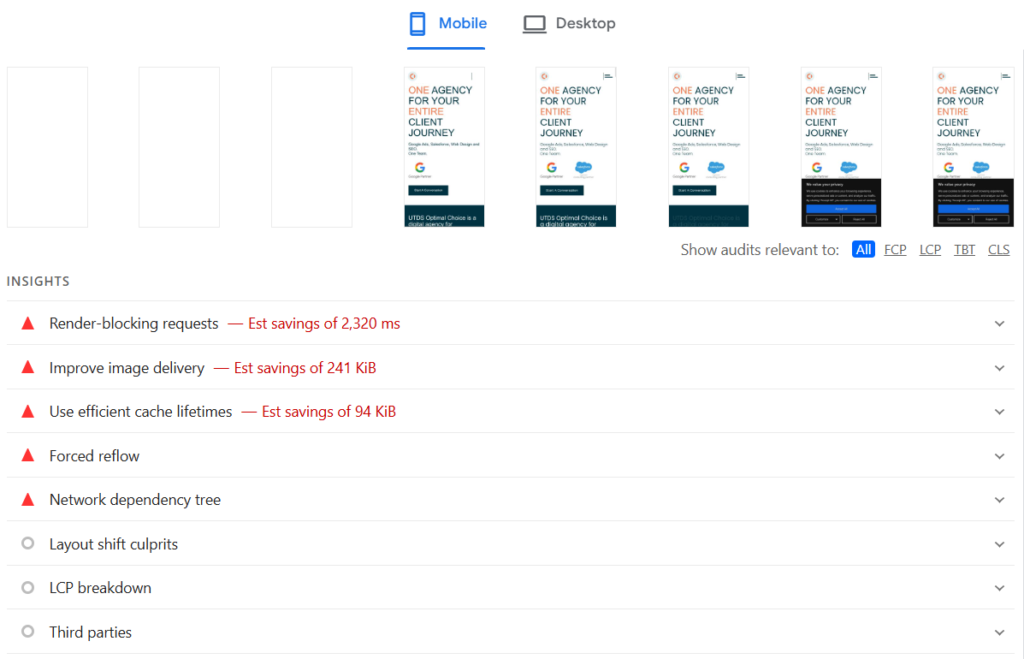
- Large or poorly optimised images
- Render-blocking resources
- Unused or excessive code
- Slow server response
- Caching
- Third-party scripts
Do not assume that every recommendation needs to be implemented blindly. Check what is causing the issue and whether the proposed change is appropriate for your website
4. Test more than once
Performance results can vary because of network conditions, server load, device capabilities and other factors.
Run tests more than once and compare results rather than relying on a single score.
5. Test important pages
Check pages that visitors actually use, such as:
- Homepage
- Services or product
- pages
- Blog posts
- Contact page
- Landing pages
A website can have a fast homepage while individual pages remain slow..

 Salesforce

