


Fake reviews (whether from competitors, bots, or non-customers) violate Google’s “Prohibited and Restricted Content” policy. However, you cannot simply “delete” them; you must prove to Google that they violate a specific rule.
Follow this escalation process to have them removed.
1. The Basic Method: “Flagging”
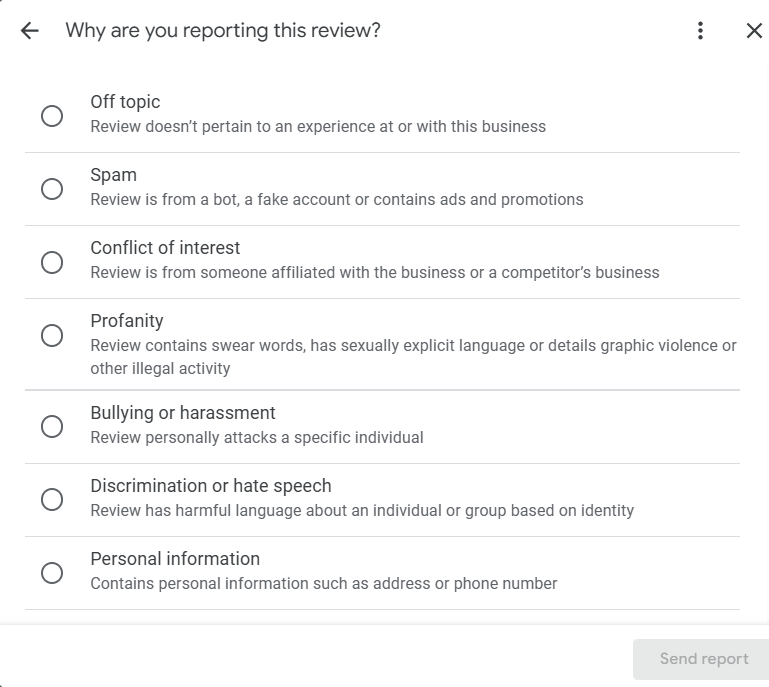
This is the first line of defence. It alerts Google’s AI moderators to check the review.
- Locate the Review: Go to your Google Business Profile (via Search or Maps).
- Click the Menu: Click the three dots (⋮) next to the specific review.
- Select “Report Review”: You will be asked to choose a reason.
- Select the Correct Violation:
- Spam: If it is gibberish, a bot, or unrelated content.
- Conflict of Interest: If it is from a competitor or a former employee (this is the most effective category for “fake” attacks).
2. The Advanced Method: The “Reviews Management Tool”
If the basic “Flag” doesn’t work (which is common), you must use Google’s dedicated tool. This allows you to track the status of your report and escalate it.
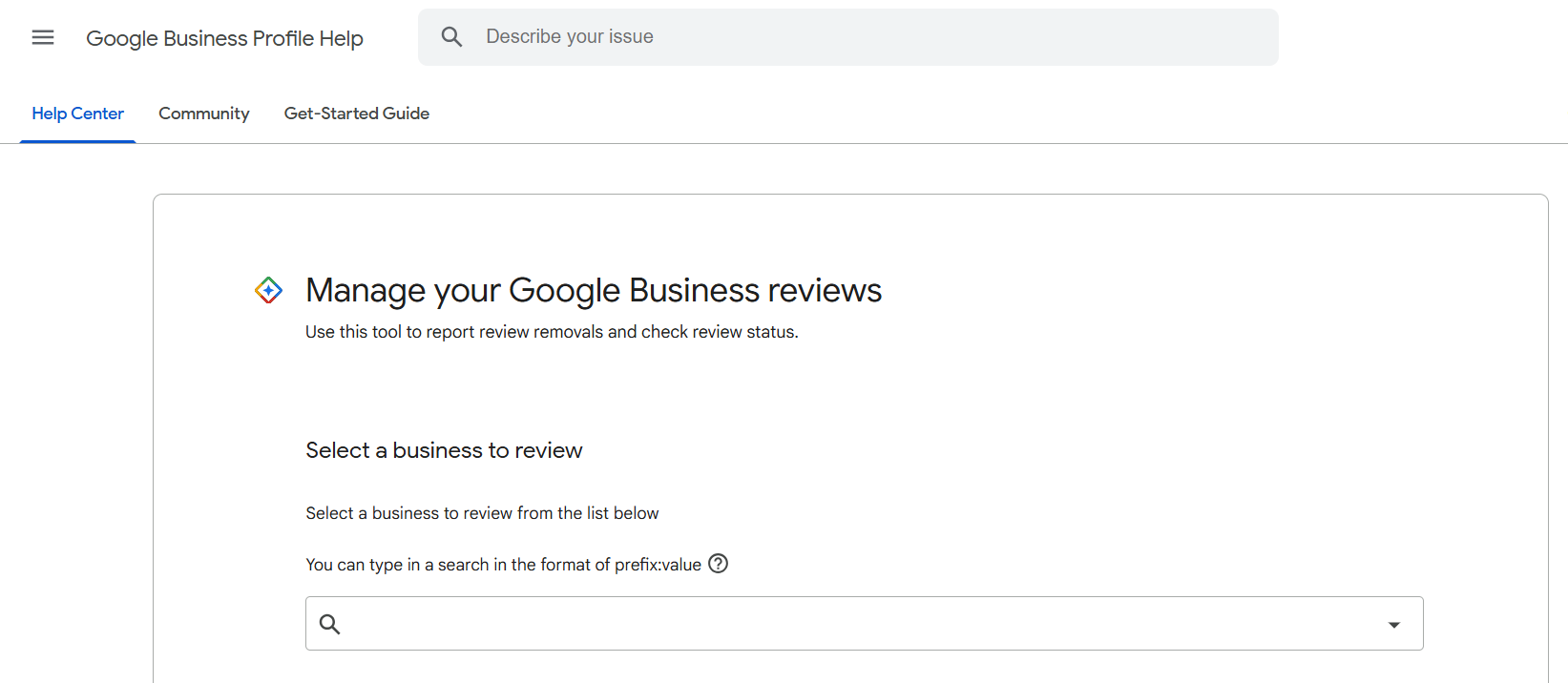
- Access the Tool: Visit the Google Business Profile Reviews Management Tool.
- Select Your Business: Choose the correct location.
- Check Status: It will show you if your previous reports were “Rejected” or are “Pending”.
- Appeal: If a report was rejected, this tool gives you the option to Appeal the decision to a human moderator.
3. The “Evidence” Appeal
When you appeal, you are often allowed to submit a written statement. Do not waste this opportunity.
- Be Forensic, Not Emotional: Do not say “This person is lying.”
- Provide Data: Say: “We have checked our CRM, invoicing system, and phone logs for the last 5 years and have no record of a customer named [Name]. This review violates the ‘Spam and Fake Content’ policy as it does not reflect a genuine customer experience.”
The "Not a Customer" Trap
It is critical to manage your expectations regarding what counts as “fake” in Google’s eyes.
Joy Hawkins, a leading Local SEO expert and founder of Sterling Sky, frequently warns businesses that simply stating “they were not a customer” is rarely enough to get a review removed.
“Google doesn’t know who your customers are, and they won’t accept ‘this wasn’t a customer’ as an acceptable reason to remove a review, since they allow people to use anonymous usernames.”
If you cannot prove it is a competitor/bot, you must switch to Damage Control (responding politely to show future customers you are reasonable) rather than fighting a losing battle with Google Support.

 Salesforce

